Robotic mowers have a reputation as machines you install and forget. That reputation is half true. They need far less attention than a petrol mower: no fuel, no oil, no pull cord, no weekend spent pushing. But they are working machines that spend months outdoors in grass, dirt and rain, and a few simple habits make a large difference to how long they last and how well they cut.
This guide sets out a routine by season. As with every aspect of these machines, your manual is the authority for your model, particularly where it concerns the blades.
Read this if your robotic mower is a few months old and has never been cleaned properly, or winter is coming. You can skip it if your dealer already services the machine under a plan that covers cleaning, blades and storage.
A word on safety first
The blades on a robotic mower are small, but they are sharp and they spin. Before you handle, clean or inspect any part of the cutting system, follow the manufacturer’s instructions for switching the machine off and disabling the blades. Most models have a stop button or a lock, and the manual describes the procedure for yours. We do not give our own procedure here, because it differs between machines and getting it wrong risks injury. Wear protective gloves as the manual recommends, and keep the machine out of reach of children.
Regular cleaning, all season
Grass, mud and debris build up on a mower, and the build-up is the main cause of avoidable wear. It adds weight, clogs wheels and sensors, and holds moisture against the body.
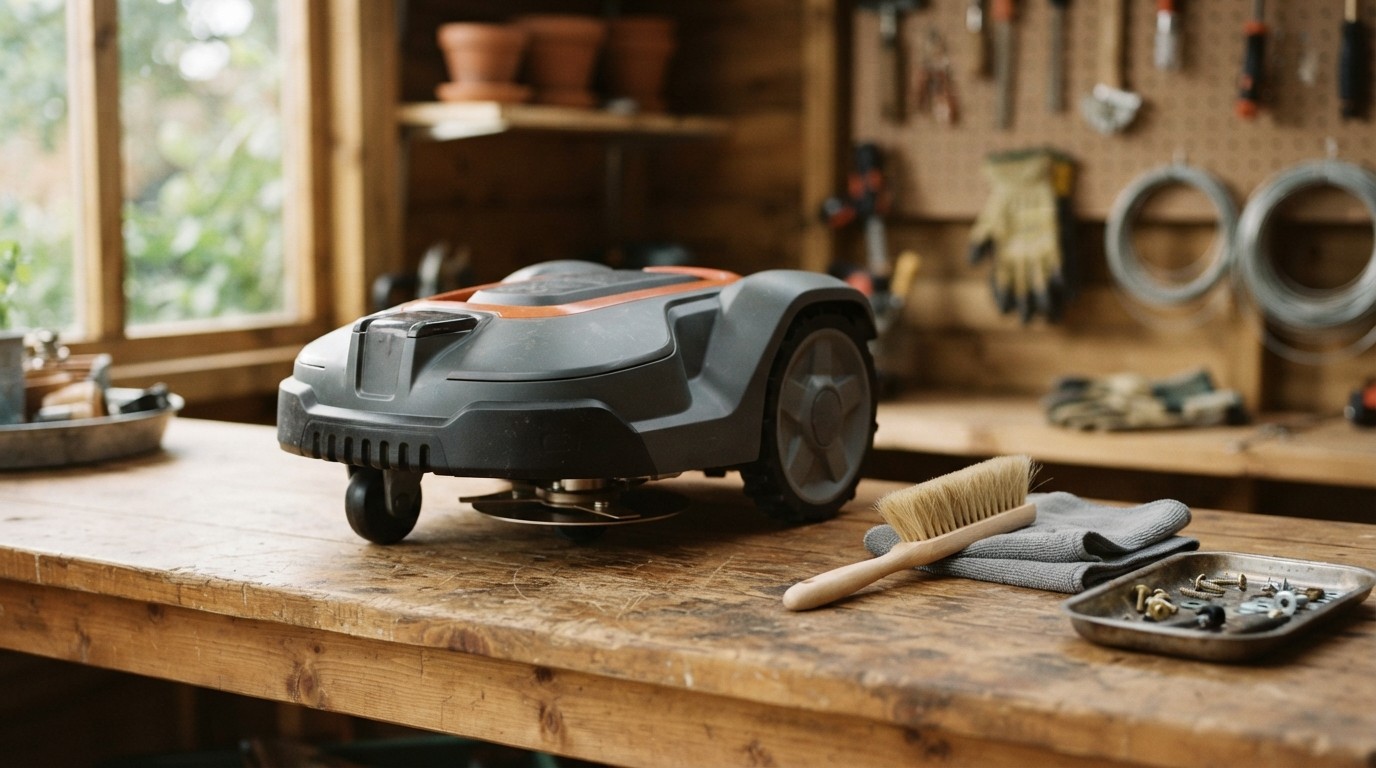
- Clean the underside and the cutting area on a regular basis, with a soft brush and a damp cloth, once the machine is switched off as the manual instructs. How often depends on conditions: a damp, long-grass spring may mean weekly, a dry summer less.
- Check the wheels for clogging, especially the drive wheels, and clear anything lodged in the treads.
- Wipe the body and sensors. Dirt over a sensor can cause odd behaviour, and a smear on a camera lens can degrade a vision system.
- Clean the charging contacts on the mower and on the station. Dirty or corroded contacts cause charging failures, and are a frequent source of “my mower will not charge.”
- Avoid high-pressure washing. Many manuals advise against it, because water forced into seals can reach electronics. A damp cloth and a brush are safer. Check what your manual says.

Blades
Most robotic mowers use small blades that pivot on a disc, and these are designed to be replaced rather than sharpened. They are consumable parts. A dull blade tears the grass instead of cutting it, leaving ragged tips that turn brown and make the lawn more prone to disease.
How often to replace them depends on the lawn and on how much the machine runs, from a matter of weeks in harsh conditions to a few months in gentle ones. Signs that blades are due include a ragged cut, a lawn that looks frayed rather than neat, and visible nicks, bends or wear. Replace them as a set, with the genuine parts specified for your model, and follow the manual’s instructions for doing it safely. Many owners schedule a replacement at the start and middle of each season.
Some dealers will replace blades as part of a service visit, and for many owners that is simpler.
Spring: wake it up
- Check the lawn. Rake away winter debris, fill dips, and cut the grass with a conventional mower if it has grown too tall for the robot.
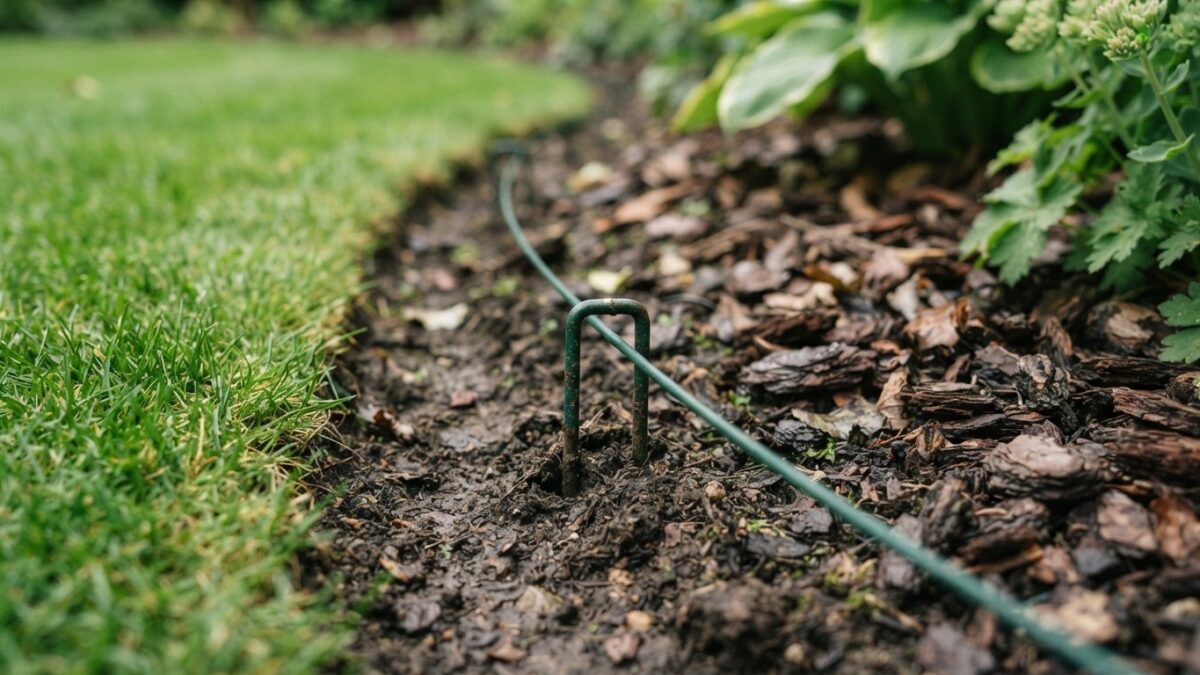
- Check the boundary. For wired machines, walk the boundary and look for wire that has surfaced, been cut, or been disturbed by frost heave or animals. Repair as the manual describes.
- Inspect the mower. Clean it thoroughly, check wheels and blades, and replace anything worn.
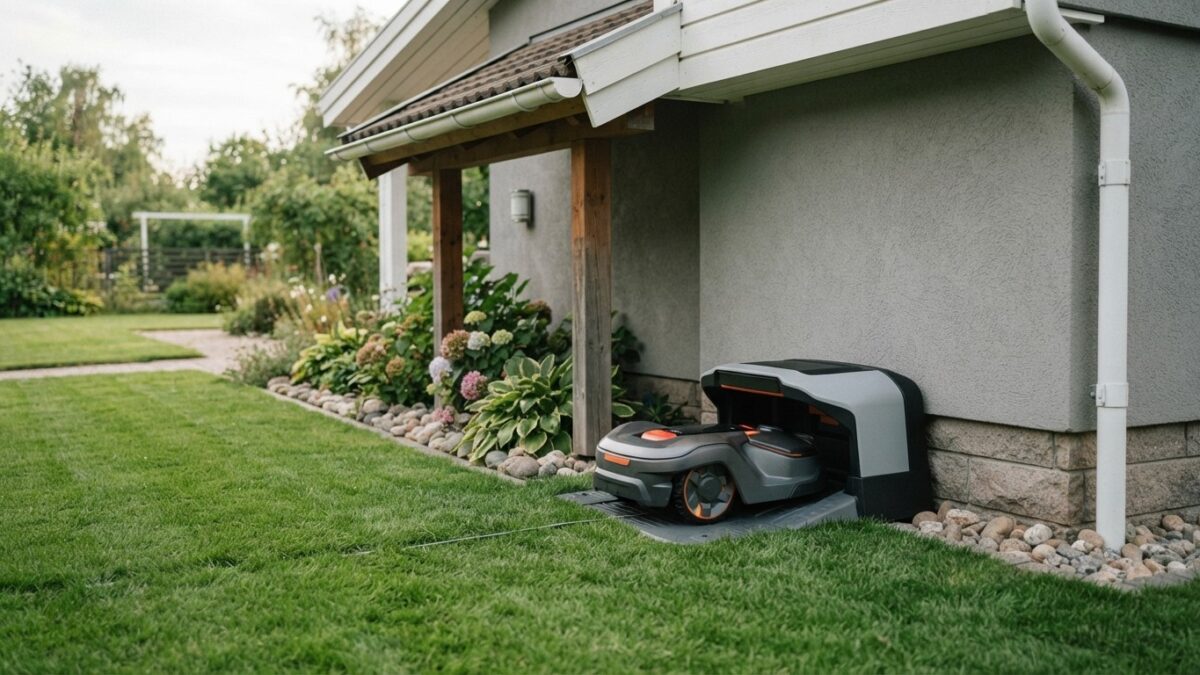
- Reinstall the station, if you took it indoors, in its normal position, and connect the power supply.
- Update the software. Install updates for the mower and its app, and review the schedule for the season. Growth is fastest in spring, so check that the machine has enough hours.
- Start the first cuts at a higher height, then lower it gradually.
Summer: keep it clean and watch the weather
- Keep up the regular cleaning. Dry heat leaves dust, and grass clippings cake in damp periods.
- Look at the lawn. Brown patches or uneven areas can show where blades are dull or where the machine is repeating the same path.
- Check the station’s position. Pressure from repeated movement can wear a path to the station, and moving it a short distance now and then spreads the wear.
- In very hot or dry weather, adjust the cutting height upward. Longer grass shades the soil and copes better with stress.
- Avoid mowing when the grass is wet if it leaves ruts or clumps, and adjust the schedule or rain settings.
Autumn: ease off and prepare
As growth slows, so should the mower’s hours. Reduce the schedule gradually, and keep an eye on falling leaves, which can clog the machine and obscure sensors. Clear heavy leaf fall from the lawn, and clean the mower more often while the leaves come down.
Lawn jobs matter to the machine. If you plan to aerate or scarify the lawn, remember the wire. Spiking and aeration tools can cut a buried boundary, and scarifiers can pull it up. Mark the wire’s route, set the equipment’s depth with that in mind, or choose a time when you can check the wire afterwards.
Winter storage
Where winters bring frost and snow, the mower should not stay out. Storing it correctly protects the battery and electronics, which are the most expensive parts.
- Clean it thoroughly and let it dry completely.
- Service it. Winter is the best time for a professional service, and many dealers offer a winter check, which includes a battery test, blade replacement, and software updates, and has the machine ready for spring.
- Prepare the battery as the manual says. Lithium-ion batteries generally store best when partly charged rather than full or empty, and the manual states the recommended charge level and whether to top it up during storage.
- Store it indoors, in a dry place that stays above freezing, away from direct heat. A garage or shed that gets very cold is not ideal unless the manufacturer says it is acceptable.
- Bring in the charging station and power supply, or at least disconnect and protect them. The power supply should not be left plugged in outdoors in winter unless the manual says it is rated for it.
- Leave the boundary wire in place. It is designed to stay in the ground, though check it in spring.
- Keep it secure. Machines in storage are as attractive to thieves as those on the lawn.
At a glance
- Weekly or fortnightly — Brush and wipe the machine; check wheels, contacts and sensors.
- Every few weeks to months — Inspect and replace blades as the manual specifies.
- Spring — Check the wire, clean thoroughly, update software, restart the schedule.
- Summer — Keep it clean, watch the lawn and weather, adjust height in heat.
- Autumn — Reduce hours, clear leaves, protect the wire from lawn jobs.
- Winter — Service, battery care, store indoors dry and frost-free.
When to call a professional
Some things are not for owners. A battery that no longer holds a charge, damaged electronics, water inside the housing, and repeated error messages that the manual cannot resolve all need an authorised dealer. Using unofficial parts or opening the body of the machine can also affect the warranty, so check the terms before doing anything beyond routine cleaning and blade changes.
A robotic mower looked after in this way should give years of service. The routine takes minutes each week and one proper service a year, which is far less than the time the machine saves.
What to do next
- This week, switch the mower off as your manual instructs and brush the underside and wheels.
- Check the blades against the manual’s wear guidance and order a replacement set.
- Put the winter service in the calendar before your dealer’s diary fills up.